What is group project communication: a 2026 student guide

TL;DR:
- Effective group project communication involves clear roles, regular updates, and a mix of real-time and asynchronous methods. Setting expectations through a group contract and structured meetings helps prevent misunderstandings and keeps everyone accountable. Using a hybrid approach and organized tools ensures smooth collaboration and success.
Group project communication is the process where three or more people share ideas, updates, and feedback to achieve a shared academic goal. It goes beyond one-on-one messaging because you’re managing diverse viewpoints across the whole team at once. Think Zoom calls for your COMM101 group, a shared Google Doc for drafting, and a group chat for quick updates. That combination of real-time and ongoing interaction is what makes group project communication distinct from just texting a mate.
Why does group project communication matter for your team?
Strong communication is the foundation of every successful group project. Without it, tasks get duplicated, deadlines get missed, and people disengage. Small group communication in academic projects goes beyond swapping information. It builds the interpersonal trust that keeps everyone motivated and accountable.
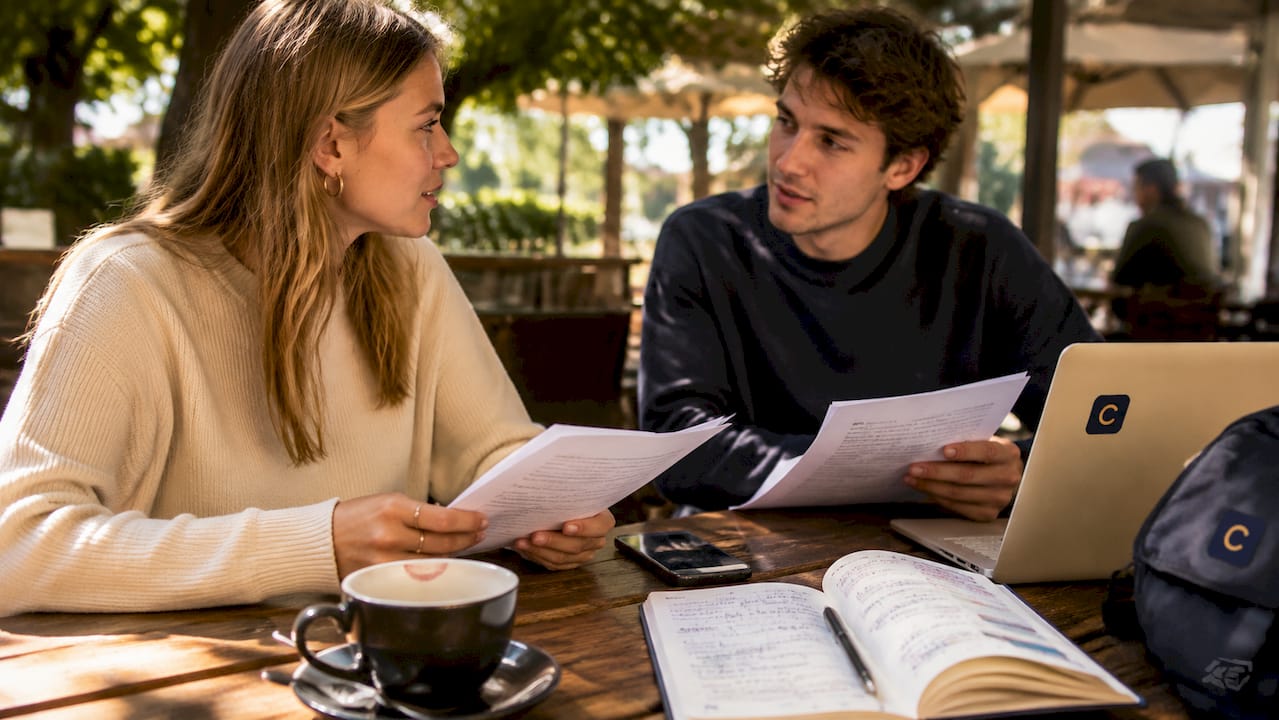
Good communication also prevents the most common group project failure mode: radio silence. When one person goes quiet for a week, the whole project stalls. Clear, regular communication keeps everyone aligned on who is doing what and by when.
Here is what effective group communication does for your team:
- Prevents duplicated effort. When everyone knows their role, no two people rewrite the same section.
- Builds trust. Consistent updates signal reliability, which makes people more willing to contribute.
- Supports conflict resolution. Disagreements get addressed early instead of exploding in week 11.
- Keeps deadlines visible. Regular check-ins mean no one is surprised by a submission date.
- Maintains motivation. Knowing your teammates are across the work makes it easier to stay engaged.
What are the main types of communication methods in group projects?
Group project collaboration relies on two broad categories: synchronous and asynchronous communication. Understanding the difference helps you pick the right method for each situation.
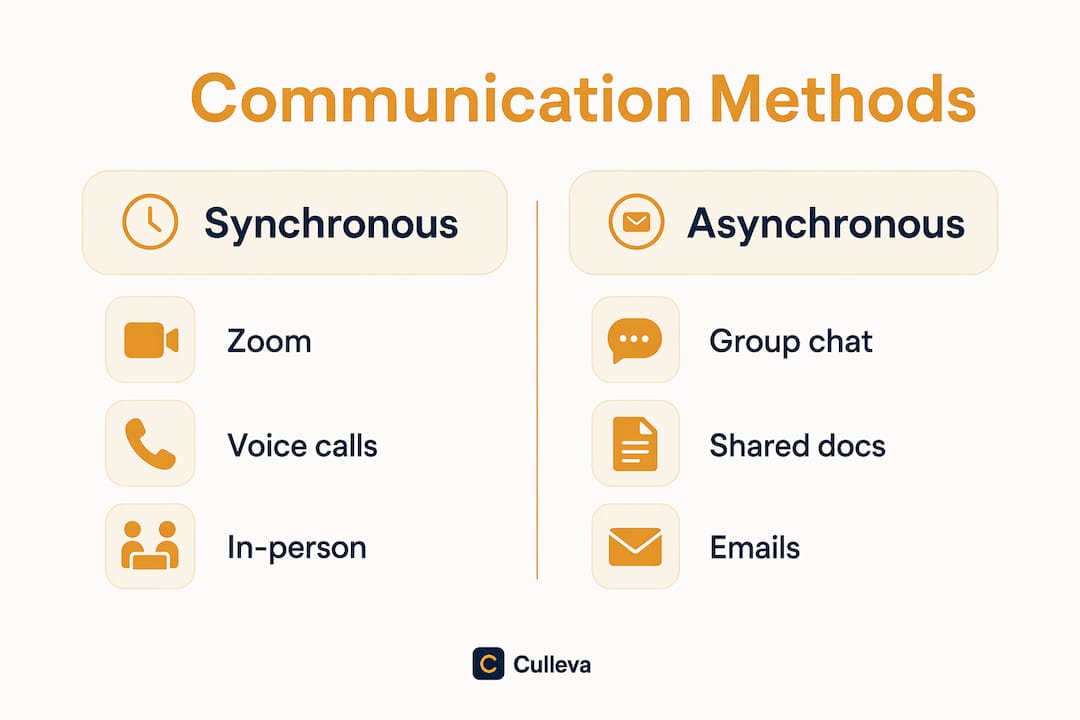
| Method | Examples | Best for |
|---|---|---|
| Synchronous | Zoom, in-person tutes, voice calls | Decisions, delegation, conflict resolution |
| Asynchronous | Email, group chat, Google Docs, Canvas messages | Brainstorming, feedback, progress updates |
Synchronous and asynchronous methods work best when combined. Real-time meetings are great for making decisions quickly. Asynchronous tools let people contribute on their own schedule, which matters when your group spans different timetables and part-time jobs.
The risk with synchronous-only communication is burnout from too many meetings. The risk with asynchronous-only is that decisions drag on for days. A hybrid approach fixes both problems.
Pro Tip: Reserve your Zoom calls for decisions and problem-solving. Use your group chat or shared doc for everything else. This keeps meetings short and actually worth attending.
How do you set clear roles and communication expectations?
Communication tools alone do not guarantee success. Your team needs agreed roles and clear expectations before any app will help.
The most effective way to do this is a group contract. Write it up in week one. A group contract documents each person’s responsibilities, the platforms you’ll use, expected response times, and how decisions get made. It sounds formal, but it takes about 20 minutes and saves hours of friction later.
Here is how to set it up:
- Assign roles. Every group needs a coordinator to track deadlines, a note-taker for meetings, and a reviewer for final drafts. Check out this guide on group project roles for a full breakdown.
- Choose your platforms. Agree on one primary channel. If half the group uses Instagram DMs and the other half uses email, messages get lost.
- Set response time norms. Formalising response expectations early prevents the frustration of ignored messages. A 24-hour reply window is a reasonable standard.
- Write a meeting schedule. Lock in recurring check-ins at the start of the project. Weekly is usually enough for a standard semester assignment.
- Add netiquette rules. Text-based communication lacks tone and body language. Agree to assume positive intent and keep feedback about the work, not the person.
Pro Tip: Store your group contract in a shared folder everyone can access. Google Drive or a shared doc works fine. If a disagreement comes up later, you have something to point to.
How do you run productive group meetings?
Structured meetings with clear agendas reduce project failure risk. The key word is structured. A meeting without an agenda is just a chat that eats 45 minutes.
Send the agenda at least a day before. Keep it to three or four items. Start on time, assign someone to take notes, and end with a clear list of who is doing what before the next meeting. Those notes become your accountability record.
Meeting time should focus on decisions and problem-solving, not status updates. If someone just needs to report that they finished their section, that belongs in the group chat. Meetings are for the things that actually need a group conversation.
A few habits that keep communication healthy across the whole project:
- Keep meeting minutes. Radio silence and skipped accountability cause more project failures than technical problems. Minutes fix both.
- Rotate the note-taker role. It distributes responsibility and keeps everyone engaged.
- Check in between meetings. A quick message mid-week (“I’ve finished the lit review, moving to analysis”) keeps momentum without needing a call.
- Practise empathy. Recognising teammates’ competing priorities reduces conflict and keeps morale up. Everyone has other units, jobs, and lives.
- Avoid channel overload. Spreading communication across five different platforms creates confusion. Stick to what you agreed in your group contract.
For more on keeping your project on track between meetings, the Culleva guide on staying on schedule covers the practical side in detail.
Key takeaways
Effective group project communication requires a hybrid approach combining clear roles, agreed norms, structured meetings, and the right mix of synchronous and asynchronous tools.
| Point | Details |
|---|---|
| Define communication early | Write a group contract in week one covering roles, platforms, and response times. |
| Use a hybrid approach | Combine real-time meetings for decisions with async tools for updates and feedback. |
| Protect meeting time | Reserve meetings for decisions and problem-solving, not status updates. |
| Keep meeting minutes | Written records prevent radio silence and hold everyone accountable. |
| Practise netiquette | Assume positive intent in text communication to avoid unnecessary conflict. |
Keep your group work organised with Culleva
Group projects get messy fast. Culleva is an all-in-one academic app built for uni students, with a dedicated group-work hub that brings voice and text chat, screen sharing, shared scheduling with calendar sync, assignment-linked file storage, and a collaborative whiteboard into one place.
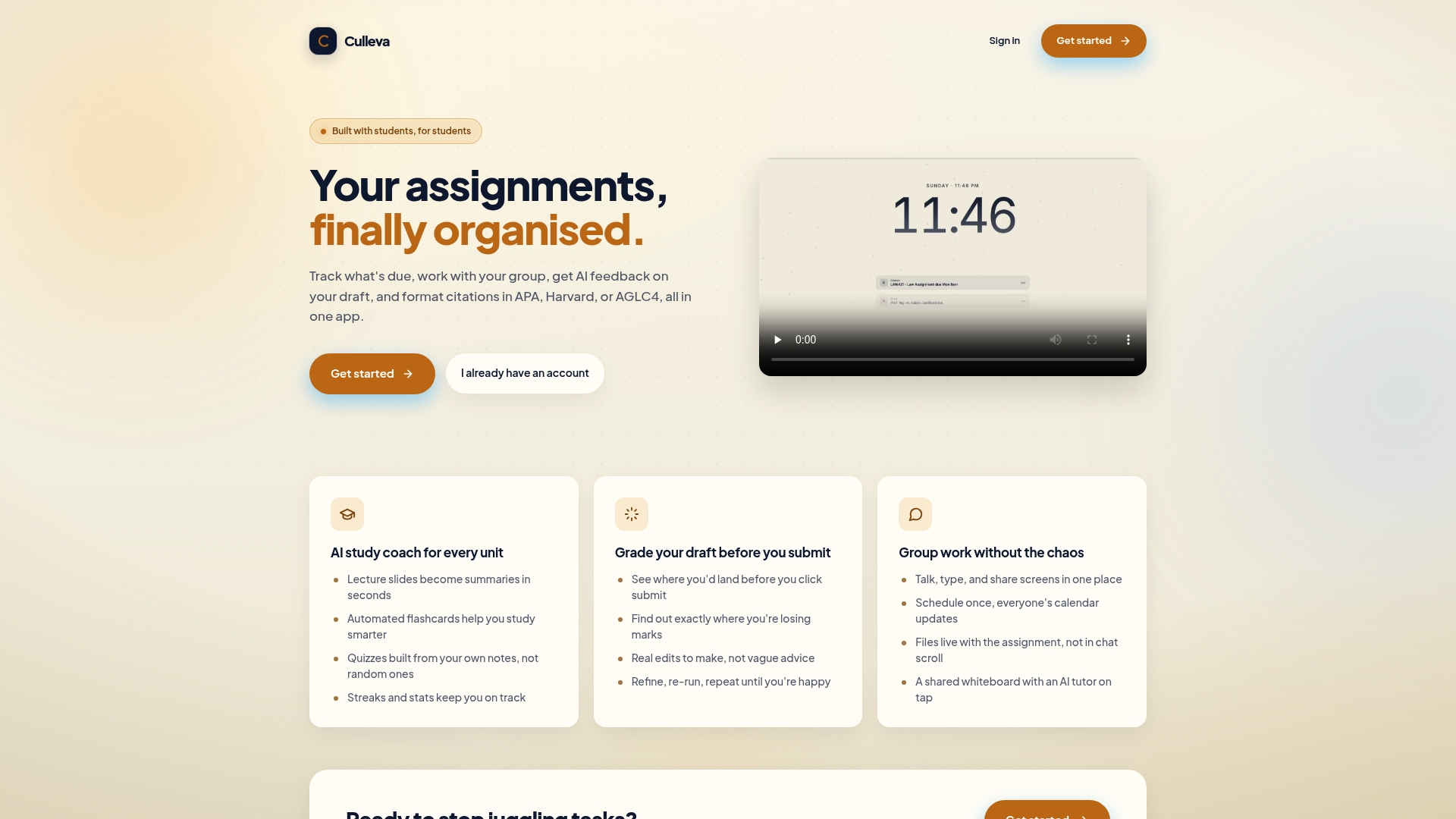
No more chasing teammates across five different apps. Culleva keeps your group’s communication, files, and deadlines in one spot so you can focus on the actual work. It also handles APA, Harvard, and AGLC4 citation formatting, so your references are sorted before submission. If you want to see how an all-in-one study app can replace the usual chaos, Culleva is worth a look. Start for free at culleva.com.
FAQ
What is group project communication?
Group project communication is the exchange of information, ideas, and feedback among three or more people working toward a shared academic goal. It includes both real-time methods like meetings and ongoing methods like group chats and shared documents.
What are the best communication tools for group projects?
The best approach combines synchronous tools like Zoom for decisions and asynchronous tools like shared documents and group chats for updates and feedback. Culleva’s group-work hub brings these together in one place for uni students.
Why do group projects fail due to poor communication?
Radio silence and lack of accountability cause more group project failures than technical problems. Setting clear roles, response time norms, and keeping meeting minutes prevents most communication breakdowns.
How do you set communication expectations in a group?
Write a group contract at the start of the project. Include each person’s role, the platforms you’ll use, expected response times, and basic netiquette rules to keep interactions respectful.
How often should a group meet during a project?
Weekly check-ins are usually enough for a standard semester assignment. Keep meetings short, agenda-driven, and focused on decisions rather than updates that could be shared asynchronously.
Recommended
Stay on top of every assignment
Culleva brings your assignments, group work, calendar, and an AI study coach into one place. Free to start.