What is a group work hub: your 2026 student guide

TL;DR:
- A group work hub is a digital platform that combines chat, file storage, task management, and scheduling for student teams. It reduces time spent searching for files, increases accountability, and improves project transparency among group members. Using the hub consistently with clear roles and early setup enhances collaboration and minimizes common pitfalls.
A group work hub is a centralised digital platform that combines chat, file storage, task boards, and shared scheduling into one workspace for student teams. The industry term for this concept is a collaboration hub, and the two phrases are used interchangeably in most university contexts. If you have ever juggled Canvas, a group chat, a shared Google Drive folder, and three different calendars for one assignment in PSYC101 or ENG200, you already know the problem a group work hub solves. It pulls everything into one place so your group spends less time finding things and more time actually doing the work.
What is a group work hub and what features does it include?
A group work hub is defined by the tools it brings together, not by any single feature. The most useful platforms combine at least four core capabilities into one workspace.
- Chat and video calls. Text channels for quick updates and video conferencing for weekly check-ins replace the need for a separate messaging app. Your group can discuss the Week 7 presentation without leaving the hub.
- Task management boards. Kanban boards and Gantt charts let you assign tasks, set deadlines, and track progress visually. You can see at a glance who owns which section of the report.
- Cloud file storage. All drafts, lecture slides, and reference lists live in one folder that every group member can access. No more “can you resend the file?” messages at 11pm.
- Shared calendars and milestone tracking. Synced calendars show submission deadlines and meeting times for the whole group. Milestone tracking breaks a big assignment into smaller checkpoints so nothing sneaks up on you.
- Pinned links and resources. Reducing context switching by pinning your unit outline, rubric, and key readings inside the hub keeps your group focused. Jumping between tabs kills momentum.
Pro Tip: Set up your hub in Week 1, before the assignment brief drops. Getting familiar with the layout on a low-stakes task means you won’t waste time troubleshooting during crunch week.

How does a group work hub benefit university students?
The biggest benefit is time. Centralised collaboration hubs reduce the time students spend searching for files and toggling between apps, which directly frees up hours for actual study. That matters a lot when you have three assessments due in the same fortnight.
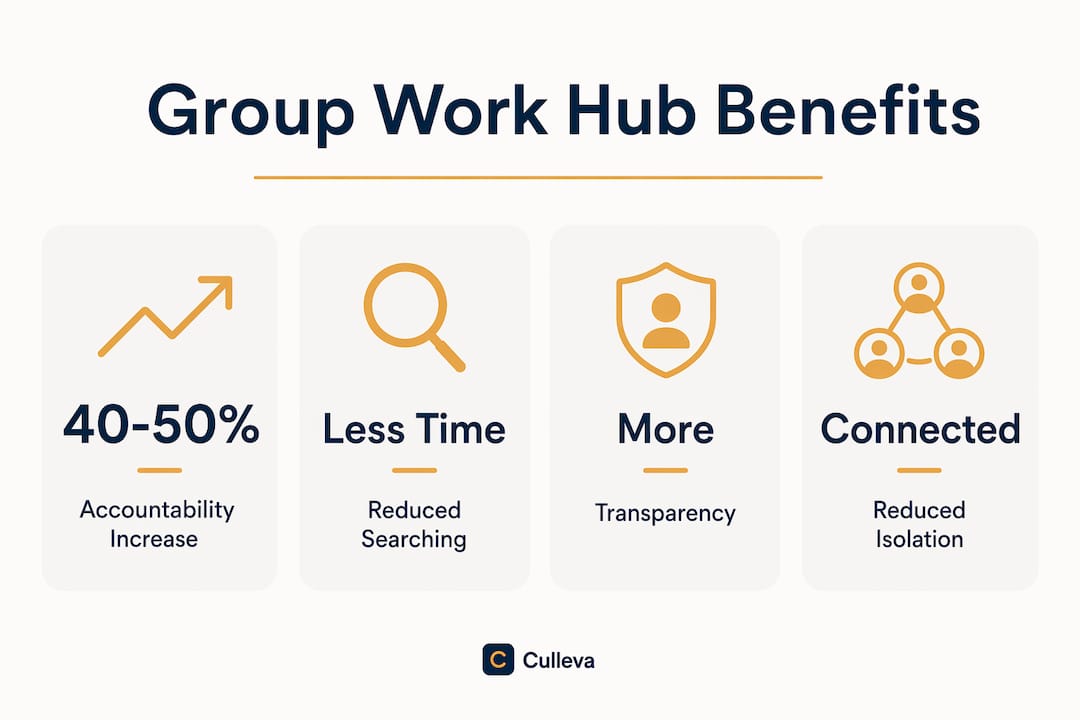
Accountability is the second major gain. Structured digital hubs paired with clear milestones and group contracts increase perceived accountability among group members by 40–50%. Students report more cohesive final projects when these tools are in place. That is a significant shift, and it comes from structure rather than effort alone.
Transparency is the third benefit most students underestimate. When task boards show who completed what and when, there is no ambiguity about contributions. You can see if one person has ticked off five tasks while another has done none. That visibility makes group project conversations much easier to have early, before resentment builds.
Group hubs also help with isolation. Remote and hybrid study groups often feel disconnected, but a virtual headquarters gives the group a shared space that builds belonging and keeps motivation up across different study modes.
Best practices for using a group work hub effectively
Getting the most from a collaboration hub comes down to how your group sets it up and commits to using it consistently.
- Start with a low-stakes task. Students who use hubs for minor activities first before major assessments report fewer technical issues and less friction during high-stakes work. Try using it to coordinate a tute reading before you tackle the 40% group report.
- Assign roles and milestones from day one. Structured interdependence through role assignment prevents parallel play, where everyone works independently with little integration. Assign a project lead, a note-taker, and a deadline tracker at your first meeting. Check out types of group project roles for a full breakdown.
- Keep your toolset minimal. A single integrated platform used consistently outperforms multiple fragmented tools every time. Resist the urge to add extra apps. One hub, used well, beats five apps used badly.
- Upload your group contract to the hub. A written agreement covering deadlines, communication norms, and consequences for missed tasks gives everyone a reference point. Storing it in the hub means no one can claim they lost it.
- Check the shared board before every meeting. A two-minute board review at the start of each catch-up keeps everyone aligned and cuts down on “wait, where are we up to?” conversations.
Pro Tip: Use the task board to log preparation work, not just final outputs. Visualising invisible work like research, reading, and drafting gives a fairer picture of each person’s contribution.
What challenges come up with group work hubs, and how do you fix them?
Even a well-chosen hub can cause friction if your group isn’t prepared for the common pitfalls.
- Tech inexperience. Not everyone in your group will be comfortable with a new platform. Solve this by running a short orientation session in Week 1. Fifteen minutes saves hours of confusion later.
- Unequal contribution. Shared tools don’t automatically fix free-riding. Assign specific tasks to specific people with named deadlines. When contributions are visible, it’s harder to coast. Read more on dividing tasks fairly if your group is struggling with this.
- Information overload. Adding too many channels, folders, or features creates its own kind of chaos. Stick to the core features your group actually needs and archive anything you’re not using.
- Inconsistent usage. One person updating the board while others ignore it defeats the purpose. Agree as a group that the hub is the single source of truth. If it’s not in the hub, it doesn’t exist.
- Communication clashes. Asynchronous and synchronous communication suit different schedules. Set clear norms early: for example, text updates go in the chat channel, decisions get logged in the task board, and video calls happen on Wednesday evenings.
Conflict is normal in group work. Having a group assignment conflict guide bookmarked alongside your hub setup is a practical safety net.
Key takeaways
A group work hub is the most direct fix for the fragmentation that derails most student group projects, and it works best when paired with clear roles, a group contract, and consistent daily use.
| Point | Details |
|---|---|
| Core definition | A group work hub centralises chat, files, task boards, and calendars into one platform. |
| Biggest benefit | Centralised hubs reduce file-search time and increase accountability when milestones are set. |
| Equal contribution | Visualising task logs reveals invisible work and prevents free-riding in group projects. |
| Minimalism wins | One hub used consistently by all members outperforms multiple fragmented tools. |
| Start early | Setting up and practising in the hub before major assessments reduces friction when it counts. |
Culleva’s group work hub for uni students
Culleva is built specifically for Australian uni students, and its group work hub brings together voice and text chat, screen sharing, shared scheduling with calendar sync, assignment-linked file storage, and a collaborative whiteboard with an on-demand AI tutor.
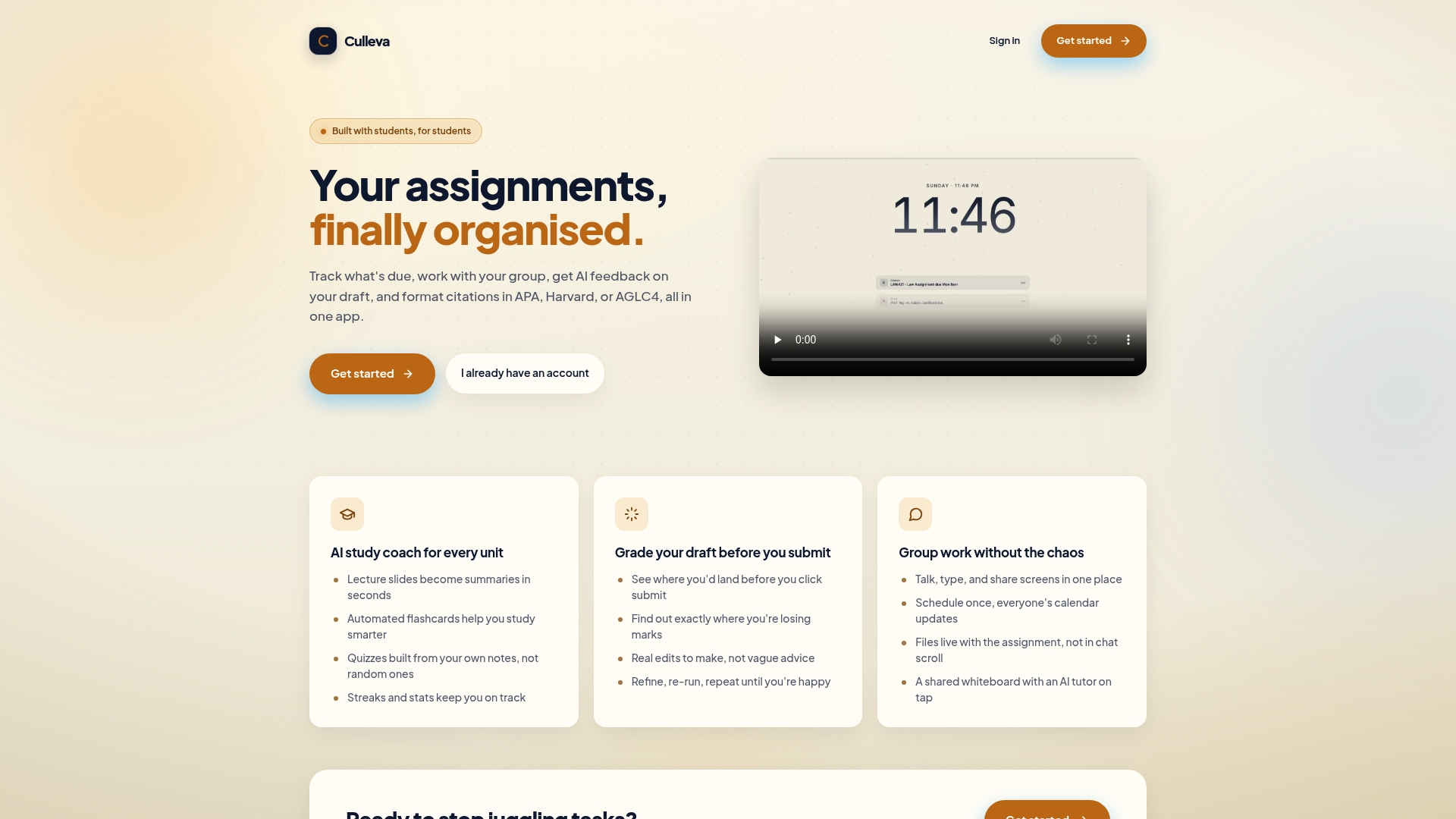
You don’t need to patch together five different apps for your next group assignment. Culleva keeps your group organised, your files in one place, and your deadlines visible to everyone. It also handles citation formatting across APA, Harvard, and AGLC4 styles, so your reference list is sorted too. If you’re ready to sort out your group project setup, explore Culleva and see how it fits your next unit.
FAQ
What is a group work hub?
A group work hub is a centralised digital platform that combines chat, file storage, task management, and shared scheduling into one workspace for team collaboration. It replaces the need for multiple separate apps during group projects.
What features should a group work hub have?
A solid group work hub includes text and video communication, a task board (such as a Kanban or Gantt view), cloud file storage, and a shared calendar. Pinned resources and milestone tracking are also worth looking for.
How does a group work hub improve accountability?
Structured hubs paired with milestones and group contracts increase perceived accountability by 40–50% among student groups. Visible task logs make each person’s contribution clear to the whole team.
How do I use a group work hub effectively at uni?
Assign roles and milestones at your first meeting, upload your group contract to the hub, and check the shared board before every catch-up. Starting with a low-stakes task before your major assessment also reduces technical friction.
Can a group work hub help with remote group projects?
A virtual group hub creates a shared headquarters that reduces isolation and builds belonging for remote or hybrid student teams. It keeps communication and files in one place regardless of where each member is studying.
Recommended
Stay on top of every assignment
Culleva brings your assignments, group work, calendar, and an AI study coach into one place. Free to start.