University group project scheduling checklist: 2026 guide
TL;DR:
- A university group project scheduling checklist helps teams organise roles, deadlines, and communication rules to stay on track. Using backward planning, milestones, and shared tools ensures accountability and reduces last-minute chaos. Consistent short meetings and documented contributions are essential for early conflict resolution and smooth collaboration.
A university group project scheduling checklist is a structured plan that defines roles, deadlines, and deliverables so your team stays on track and avoids last-minute chaos. Without one, you get conflicting schedules, missed handoffs, and one person doing everything at 11pm before the due date. The fix is a proper checklist built around backward planning, a team charter, and shared tools like Google Calendar or Culleva. Get this right in Week 1 and the rest of the project runs itself.
1. What goes in a university group project scheduling checklist?
The most effective checklist for group assignments covers five core elements: a team charter, a task breakdown, a backward timeline, milestones, and communication rules. Skip any one of these and you’ll feel it by Week 4.
-
Team charter. A formal team charter established within the first 48 hours sets goals, roles, communication channels, and how disputes get handled. That last part matters more than most groups realise.
-
Task breakdown. Split the project into specific deliverables, not vague stages like “do research.” Assign clear ownership for every sub-task. Clear ownership paired with realistic timelines is what separates groups that finish well from those that scramble.
-
Backward timeline. Start from the Canvas or Moodle submission date and work backwards. Set internal deadlines for research, drafts, merging, and final proofing.
-
Milestones. Include checkpoints for research completion, first draft, integration, and peer review. These give you early warning if someone is falling behind.
-
Communication norms. Agree on a 24-hour response expectation and a primary channel, whether that’s a group chat, shared doc, or Culleva’s built-in messaging.
Pro Tip: Aim for roughly 10 hours per week per person as your contribution benchmark. Write it into the charter so everyone signs off on the same expectation from day one.
2. How to set realistic deadlines and milestones
Backward planning is the most reliable method for building a university project timeline that actually holds. Start from the official submission date and assign deadlines to each stage moving backwards.
-
Lock in the submission date. Write it in every shared calendar immediately. This is your fixed point.
-
Set an internal ‘hard’ deadline. Build in a 48–72 hour buffer before the official due date. This is your merge-and-fix window for formatting, citations, and last-minute gaps.
-
Schedule the integration phase. The integration phase is the most critical part of any group project. Budget 120–180 minutes in the final week for merging sections and fixing consistency issues.
-
Assign milestone dates. Work backwards from integration to set deadlines for: completed research, individual section drafts, and peer review.
-
Add a review checkpoint at the halfway mark. This is where you catch problems early, not the night before submission.
Pro Tip: Use Canvas’s calendar or a shared Google Calendar so every milestone appears in the same place your tute reminders and lecture recordings live. One calendar, less chaos.
Keeping your group project on schedule comes down to these milestones being visible to everyone, not just the person who made the spreadsheet.

3. How to schedule group meetings and work sessions
Short, structured meetings beat long, unfocused ones every time. Weekly meetings of 15–30 minutes at the same time and day build a rhythm that keeps the group moving without eating into everyone’s study schedule.
Run each meeting with three questions: what did you complete, what are you doing next, and what is blocking you? That format takes under 20 minutes and surfaces problems before they become crises. Avoid letting meetings run past 45 minutes. Past that point, focus drops and decisions get worse.
Work sessions need the same structure. Output-based work slots with a specific goal, like “complete slide outline for Section 2,” produce more than vague “work on the paper” blocks. When you set up a signup slot, include a mandatory blockers field. This forces people to flag issues between meetings rather than staying quiet until the deadline.
-
Keep weekly standups to 15–30 minutes at a fixed time
-
Use the three-question format: done, next, blocked
-
Set output goals for every work session, not just time blocks
-
Include a blockers field in any signup or scheduling tool
-
Cap meetings at 45 minutes to maintain focus
4. How to handle free-riders and conflicts early
Documented scheduling is your best protection against free-rider problems. A RACI matrix or shared task board makes contribution visible to everyone, which reduces the chance of someone quietly doing nothing.
When a teammate is not pulling their weight, the right move is an early, direct conversation framed professionally. This is not a personal attack. It is a professional boundary that protects the whole group’s grade. Have that conversation before the project hits the halfway point.
-
Reference the charter. Point to the signed team charter and the agreed contribution expectations. Keep it factual, not emotional.
-
Document everything. Send a follow-up email after any conversation about non-performance. Keep a log of message timestamps and task board activity.
-
Escalate before 50% completion. Teams must escalate non-contribution professionally and early, documenting every step before the project reaches 50% completion to preserve grading options.
-
Use formal procedures if needed. Most Australian universities have a formal process for group work disputes. Your unit coordinator or tutor is the right contact, and your documentation is your evidence.
The group contract matters more than individual talent. A clear, signed charter is the single most effective tool for managing accountability in a university group project.
For more detail on dividing work fairly, the task allocation guide for uni students covers ownership structures that actually hold up under pressure.
5. Which tools work best for group project scheduling?
The right tool is the one your whole group will actually use. Here is a quick comparison of common approaches.
| Tool type | Strengths | Watch out for |
|---|---|---|
| Culleva group-work hub | Chat, screen sharing, shared scheduling, file storage, and a collaborative whiteboard in one place | Requires all members to sign up |
| Shared calendar (e.g. Google Calendar) | Easy to set up, syncs with phones, visible to everyone | No task ownership or file storage |
| Kanban board (generic) | Visual task tracking, clear ownership, good for blockers | Can get messy without a clear naming system |
| Shared document (e.g. Google Docs) | Simple, familiar, works for basic task lists | No deadline alerts or accountability features |
| Project management app (generic) | Strong milestone tracking and notifications | Steeper learning curve for short projects |
The core requirement for any tool is a shared workspace with calendar visibility and clear task ownership. Without both, you end up with someone managing the schedule in their head and everyone else guessing. The assignment submission checklist from Culleva pairs well with any of these tools for the final review stage.
Key takeaways
A university group project scheduling checklist works because it combines a signed team charter, backward-planned milestones, output-based work sessions, and documented accountability into one shared system.
| Point | Details |
|---|---|
| Start with a team charter | Set roles, communication norms, and dispute steps within the first 48 hours. |
| Use backward planning | Work from the submission date backwards to assign milestones for each stage. |
| Build in a buffer | Set an internal deadline 48–72 hours before the official due date for final fixes. |
| Run short, structured meetings | Keep weekly standups to 15–30 minutes using the done, next, blocked format. |
| Document contributions | Use a shared task board or kanban to track ownership and flag free-rider issues early. |
Keep your group project organised with Culleva
Group projects are hard enough without your schedule living across five different apps. Culleva brings everything into one place: a shared group calendar, voice and text chat, screen sharing, shared file storage, and a collaborative whiteboard with an AI tutor on call.
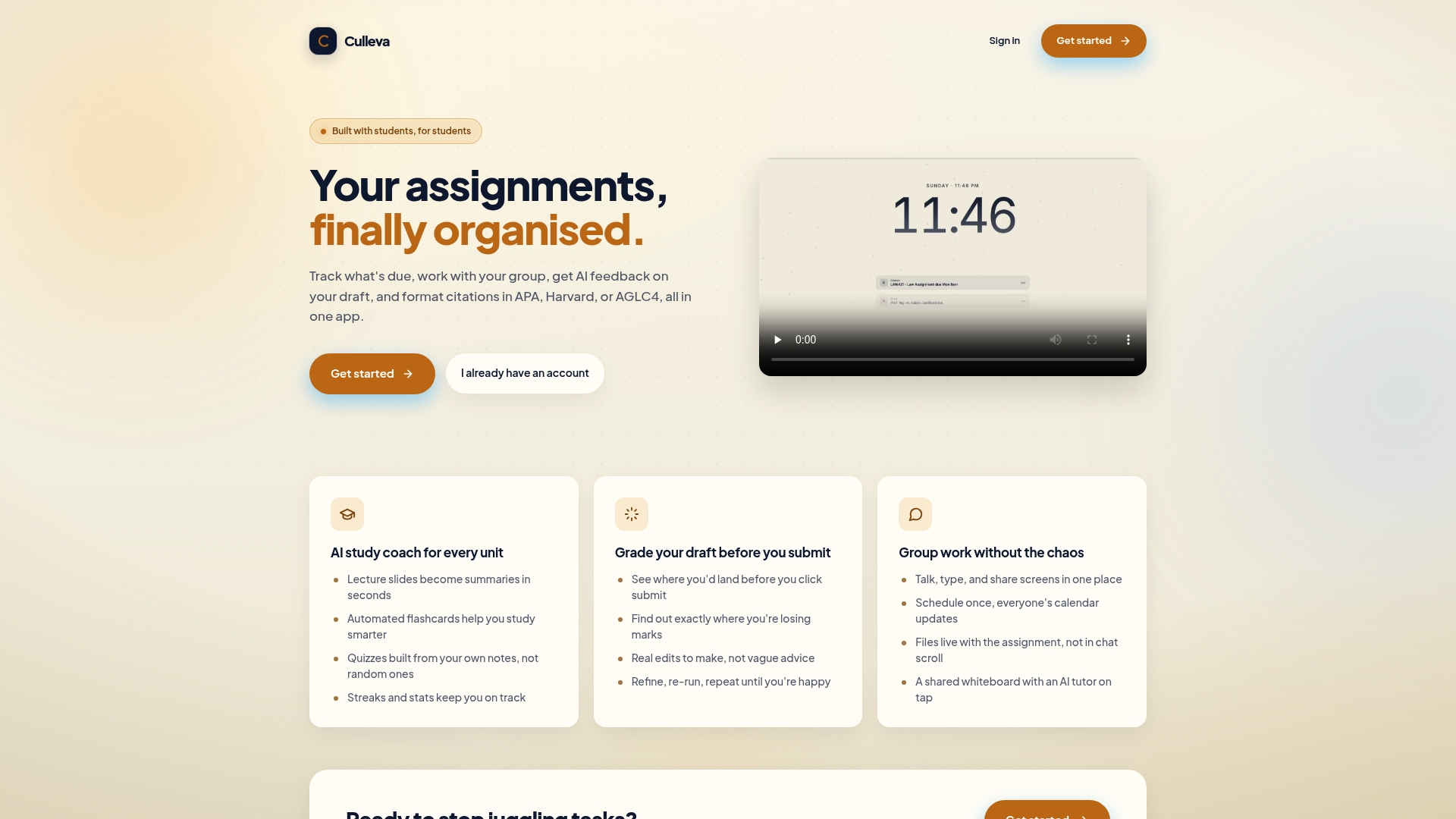
You can track every task, see who owns what, and flag blockers before they become problems. No more chasing teammates on WhatsApp or losing the final draft in someone’s Downloads folder. Culleva also handles APA, Harvard, and AGLC4 citation formatting, so your reference list is sorted before you even hit submit. Get started with Culleva and run your next group project without the chaos.
FAQ
What is a university group project scheduling checklist?
A university group project scheduling checklist is a structured document that outlines roles, deadlines, milestones, and communication rules for a student team. It keeps everyone accountable and prevents last-minute rushes.
How far in advance should you start scheduling a group project?
Start in the first week after the project is assigned. Set your team charter and backward timeline immediately so milestones are in place before the workload builds up.
How do you deal with a free-rider in a group project?
Reference the signed team charter, have a direct conversation early, and document everything in writing. Escalate non-contribution before the project reaches 50% completion to keep your grading options open.
How long should group project meetings be?
Keep weekly meetings to 15–30 minutes using a structured format. Meetings longer than 45 minutes reduce effectiveness and waste study time.
What is the best tool for scheduling a university group project?
The best tool is one your whole group will use consistently. Culleva combines scheduling, chat, file storage, and task tracking in one place, which removes the need to juggle multiple apps.
Recommended
Stay on top of every assignment
Culleva brings your assignments, group work, calendar, and an AI study coach into one place. Free to start.