How to track study stats and progress at uni

TL;DR:
- Tracking study progress involves using digital tools to monitor effort, mastery, and curriculum completion. Combining these metrics helps students identify patterns, adjust habits, and improve learning outcomes effectively.
Tracking study stats and progress means using digital tools and self-monitoring methods to measure your time, engagement, and mastery across your university units. It is the academic equivalent of what athletes call performance monitoring, and the principle is the same: what you measure, you can improve. The key is going beyond just logging hours. Tools like Culleva, university engagement dashboards, and spaced repetition apps give you a layered picture of how you are actually learning.
What tools can you use to track study stats and progress?
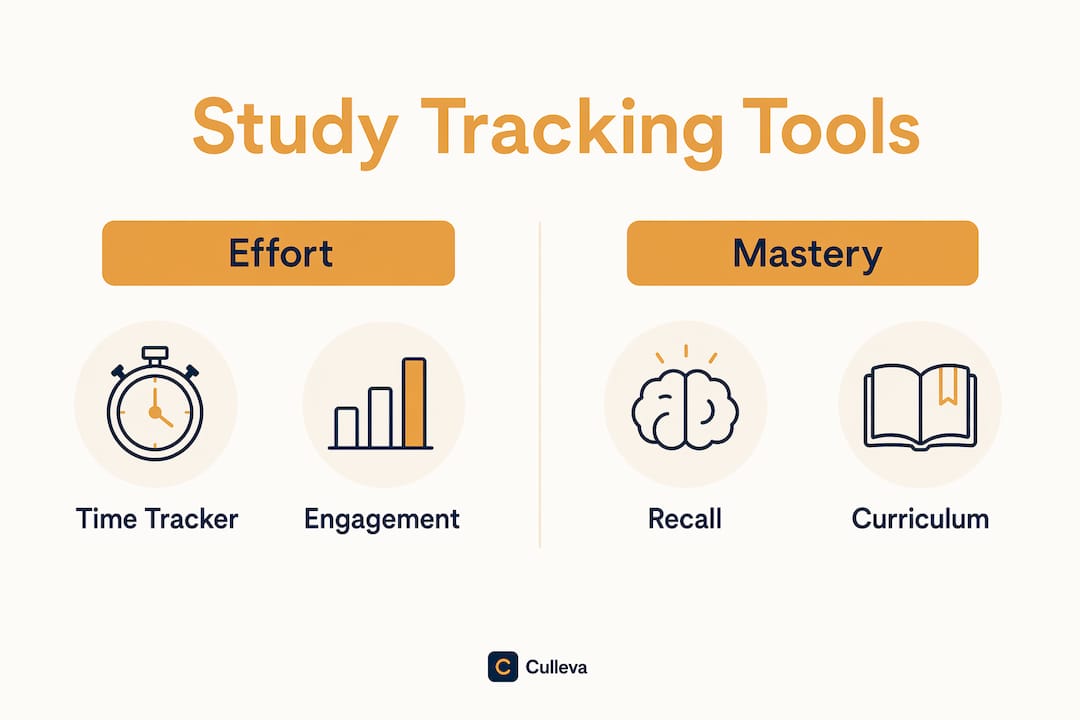
Three categories of tools cover the full picture: time trackers, engagement dashboards, and mastery trackers. Each measures something different, and using only one leaves gaps.

Time trackers log how long you spend studying. Study Monitor, for example, auto-tracks study time using course URL patterns via a Chrome extension. It supports goal setting, visual progress reports, and cloud sync across devices. You set a weekly target for PSYC101, and it tells you exactly where your hours went.
Engagement dashboards aggregate your online activity into a score. The UC ACE Student Dashboard pulls data from LEARN and Echo360 activity logs, updates every three days, and shows your top five class activities alongside upcoming assessments. It does not track performance or lecture attendance directly. Think of it as a momentum gauge, not a grade predictor.
Mastery trackers use recall performance to measure what you actually retain. Spaced repetition systems schedule reviews based on your recall ratings and show forgetting curves and heatmaps so you can see exactly where retention is decaying.
| Tool type | What it measures | Strength | Limitation |
|---|---|---|---|
| Time tracker | Hours spent per unit | Easy to set up | Does not measure understanding |
| Engagement dashboard | Online activity score | Shows momentum trends | No direct performance data |
| Mastery tracker | Recall and retention rates | Ties effort to outcomes | Requires consistent self-testing |
| Curriculum tracker | Degree requirement progress | Flags completion gaps | Needs manual review |
Pro Tip: Combine at least two tool types. Pairing a time tracker with a mastery tracker gives you both the effort side and the outcome side of your study habit analytics.
How do you set up study tracking effectively?
Getting started takes about 20 minutes if you are organised before you begin. You need a reliable device, internet access, your unit outlines, and a clear sense of your academic goals for the semester.
Follow these steps:
-
List your active units. Write down every unit you are enrolled in, including unit codes (e.g. LAWS2201, BIOL1101). This becomes your tracking baseline.
-
Choose your tools. Pick one time tracker and one mastery or engagement tool. Do not install five apps at once.
-
Set weekly targets per unit. Assign a realistic study hour goal to each unit based on credit points and your current WAM.
-
Input course URLs or schedules. If you use a browser-based tracker, add your Canvas or Moodle unit URLs so activity is logged automatically.
-
Schedule a weekly review. Block 15 minutes every Sunday to check your stats, compare them to your targets, and adjust the coming week.
Once your tools are running, pay attention to progress icons in Canvas or Moodle. Ticking off module completions gives you a visual sense of curriculum progress, which is a separate dimension from time or mastery. Degree progress tools like MyPalomar’s colour-coded reports show exactly which requirements you have satisfied and which still have gaps. Your own uni likely has an equivalent under your student portal.
Sync your data across devices so your stats are available whether you are studying at the library or at home. Most cloud-based tools handle this automatically.
Pro Tip: Set a phone reminder for your weekly review. Students who check their stats frequently adjust their plans faster than those who review only before exams.
Common challenges when monitoring your academic progress
Even well-set-up tracking systems run into problems. Knowing the common ones saves you from drawing the wrong conclusions from your data.
-
Inaccurate automatic tracking. Browser extensions can miss study time if you switch tabs frequently or use apps outside the browser. Check your logs weekly and manually correct obvious gaps.
-
Retroactive completion marking. In Blackboard, enabling progress tracking mid-course auto-completes participatory items retroactively, which can make your progress look higher than it is. Non-participatory items still need manual marking. Do not trust a sudden jump in completion percentage without checking what triggered it.
-
Misleading engagement scores. The UC ACE dashboard measures online activity, not understanding. A high engagement score does not mean you are performing well. Engagement supports momentum but needs validation with your actual assessment results.
-
Tracking only total hours. Average time on task can be misleading. Workload peaks tend to shape how hard a week feels more than your average hours do. A week where you crammed 20 hours before a deadline is not the same as 20 hours spread evenly.
-
Over-relying on one metric. Tracking time alone, or mastery alone, creates blind spots. Effective academic progress tracking covers effort, mastery, and curriculum completion together.
The fix for most of these issues is the same. Track multiple dimensions and review them together, not in isolation.
How do you use tracked data to improve your performance?
Raw stats are only useful if you act on them. The goal is to spot patterns and make specific changes to your study habits.
Start by separating your data into three layers. Effort data (hours logged, engagement scores) tells you how much you are putting in. Mastery data (quiz scores, recall ratings, forgetting curves) tells you what is sticking. Curriculum data (module completion, degree requirement progress) tells you whether you are covering the right ground. Tracking multiple indicators yields better outcomes than time tracking alone.
Spaced repetition stats are particularly useful here. The SM-2 scheduling algorithm reschedules reviews based on how hard you found each recall. If your forgetting curve for a topic drops steeply after three days, you know to review it more frequently. That is a concrete, data-driven adjustment you can make in week four of semester rather than discovering the gap the night before your exam.
Continuous, real-time tracking of your study behaviours can help with self-regulation, making it easier to set goals and stay engaged than the occasional check-in or tutor feedback alone.
Practical adjustments to make based on your data:
-
Redistribute study hours away from units where you are already performing well and toward units where mastery scores are low.
-
Identify which weeks have workload peaks across multiple units and plan lighter commitments in those weeks.
-
Set a specific recall target per unit, such as hitting an 80% retention rate on flashcards before each tute.
-
If your stats decline for two consecutive weeks, flag it early and reach out to your unit coordinator or student support.
-
Use your assignment tracking habits alongside study stats to make sure deadlines are not sneaking up on you.
The pattern matters more than the total. Review trends over three to four weeks, not single-day snapshots.
Key takeaways
Tracking study stats and progress works best when you combine effort, mastery, and curriculum data rather than relying on any single metric.
| Point | Details |
|---|---|
| Use multiple tool types | Pair a time tracker with a mastery or engagement tool for a fuller picture. |
| Set weekly review habits | A 15-minute Sunday check-in helps you adjust plans before problems compound. |
| Watch for data quirks | Retroactive Blackboard completions and high engagement scores can mislead without context. |
| Focus on patterns, not totals | Workload peaks reveal more about learning difficulty than average hours alone. |
| Act on all three data layers | Combine effort, mastery, and curriculum tracking to make specific, useful adjustments. |
Culleva keeps your study stats in one place
Juggling Canvas, Moodle, a separate flashcard app, and a notes folder is a lot. Culleva brings it together for uni students who want to stay on top of their coursework without the chaos.
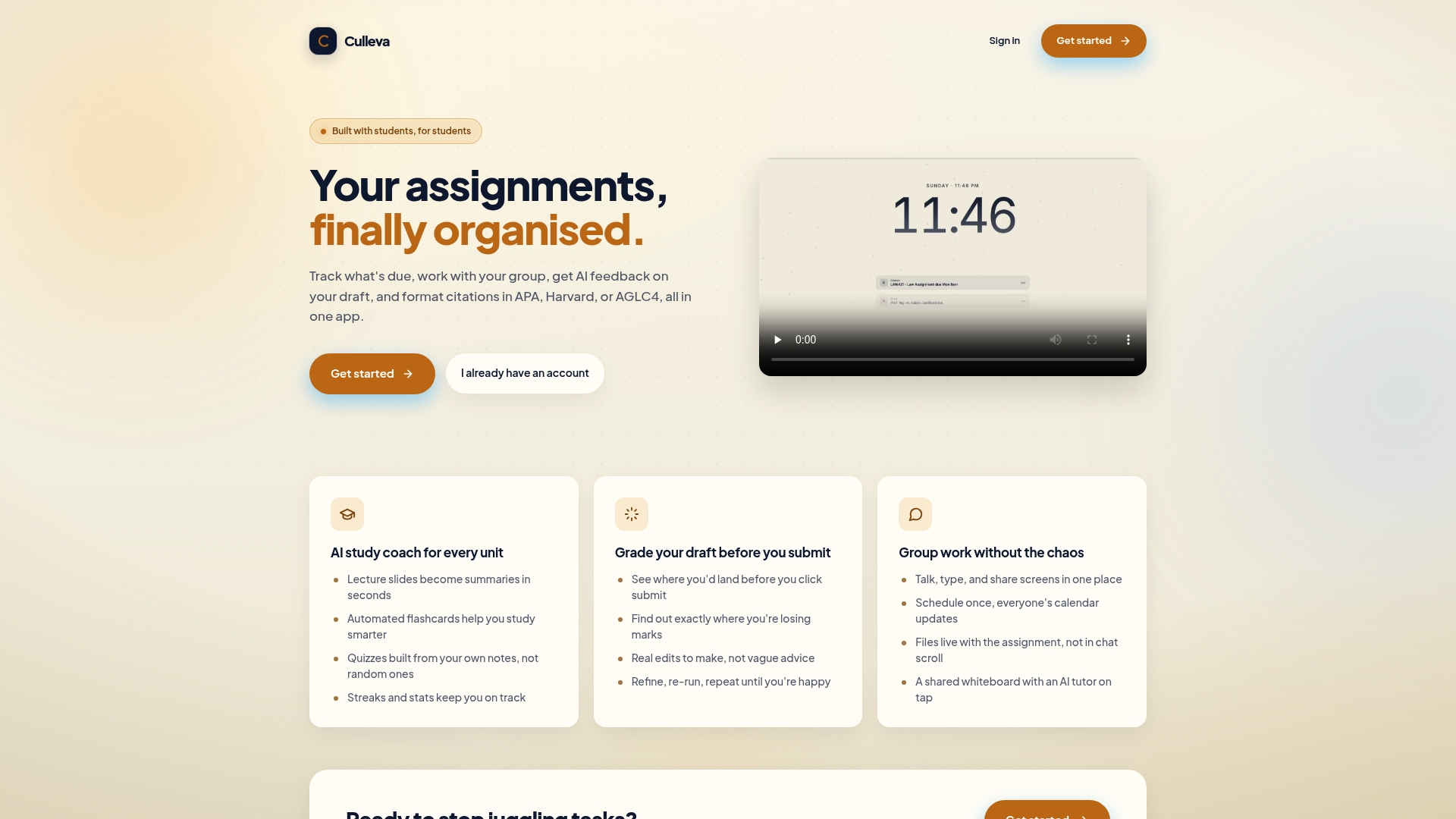
Culleva tracks your assignments and deadlines, generates flashcards and quizzes from your own lecture notes, and keeps you motivated with study streaks and stats. The AI study coach turns your slides into summaries. The draft-grading tool estimates your mark before you submit and gives you concrete edits. There is also a group-work hub with shared scheduling, file storage, and a collaborative whiteboard. Citation formatting across APA, Harvard, and AGLC4 is built in. If you want your academic progress tracking in one place, Culleva is worth a look.
FAQ
What does it mean to track study stats and progress?
It means using digital tools to monitor your study time, engagement, recall performance, and degree completion in real time. The goal is to spot patterns and adjust your habits before they affect your grades.
Is tracking hours studied enough?
No. Workload distribution and peaks correlate more strongly with perceived learning than average hours alone. Combine time tracking with mastery and curriculum data for accurate insight.
How often should I review my study stats?
Weekly reviews work best. Continuous tracking helps students improve self-regulation faster than reviewing stats only at exam time or after assessments.
Can engagement scores predict my grades?
No. Engagement dashboards like UC ACE measure online activity, not academic performance. Use engagement scores to monitor momentum, then validate with your actual quiz and assignment results.
What is spaced repetition and how does it help with progress tracking?
Spaced repetition schedules reviews based on how well you recalled each item, then shows forgetting curves and heatmaps so you can see exactly where retention is dropping. It converts study time into measurable retention outcomes.
Recommended
Stay on top of every assignment
Culleva brings your assignments, group work, calendar, and an AI study coach into one place. Free to start.