Assignment tracking explained: your 2026 uni guide

TL;DR:
- Assignment tracking helps students organize all their assignments, deadlines, and progress in one system. It significantly reduces late submissions and stress by providing clear, timely reminders and progress visualization. Using a dedicated tracker like Culleva ensures effective semester-wide management with automatic notifications and integrated tools.
Assignment tracking is the practice of recording every assignment you have, along with its due date, unit, and current status, into one central system so nothing slips through the cracks. Without it, you’re relying on memory across Canvas, Moodle, email, and a dozen browser tabs. Students juggling multiple units report that chaos disappears when they switch to a dedicated tracker. The benefits are real: a good system reduces late submissions, lowers stress, and gives you a clear picture of your week before it gets away from you. Tools like Culleva, Notion, and Google Sheets each offer a different way to get there.
What is assignment tracking explained, and why does it matter?
Assignment tracking, also called assignment progress monitoring, is the process of capturing every task from your unit outlines into a single organised system. You record the assignment name, the unit code (say, PSYC101 or LAWS2010), the due date, and where you’re up to. That’s the core of it.
The payoff is significant. Automated deadline notifications improve timely completion to 65.4%, compared to 35.5% for students without alerts. That gap is not about effort. It’s about whether your system reminds you before panic sets in. A tracker turns a vague sense of “I have heaps due” into a clear, prioritised list you can act on.
Assignment tracking also matters because the planning fallacy is real. Most students underestimate how long tasks take. A tracker that shows you Week 9 has four things due, not one, forces you to plan earlier. That’s the difference between a decent draft and a rushed one submitted at 11:58 pm.
What should an effective assignment tracker include?
The minimum viable tracker records five things for every assignment:
- Assignment name (e.g., “Reflective Essay,” “Lab Report 2”)
- Unit code and subject (e.g., MKTG1501, BIOL2003)
- Due date (exact date and time, not just “Week 10”)
- Status (To Do, In Progress, Submitted)
- Start date reminder set 5–7 days before the due date
That last point matters more than most students realise. Setting work-start reminders 5–7 days before due dates turns your tracker from a passive list into an active prompt. You stop reacting to deadlines and start working ahead of them.
Visual layouts help too. A calendar view shows you deadline clusters at a glance. A Kanban board (columns for To Do, In Progress, Done) gives you a satisfying sense of progress as you move tasks across. Both formats work. The key is picking one and sticking with it.

Pro Tip: Open your tracker before you check your phone each morning. Making it your first tab of the day builds the habit fast and stops you from forgetting it exists until week 12.
| Feature | Why it matters |
|---|---|
| Due date and time | Prevents “I thought it was midnight” surprises |
| Unit code | Lets you filter by subject when you’re overwhelmed |
| Status field | Shows progress at a glance without re-reading everything |
| Start reminder | Triggers work before deadline pressure builds |
| Weekly review slot | Keeps the system accurate and useful all semester |
Consistent maintenance takes about 5 minutes daily and 15–30 minutes weekly. That’s a small investment for a system that runs your whole semester.
How do different assignment tracking methods compare?
Not all tracking methods are equal. Here’s how the main options stack up for ANZ uni students.
Manual planners are low friction to start but fall apart fast. You can’t search them, set automated reminders, or update status without crossing things out. They work for students with two or three assignments. They don’t work for a full semester across four units.
Spreadsheets (Google Sheets, for example) are flexible and free. You can build a custom layout, colour-code by unit, and share with group project partners. The downside is that you build and maintain everything yourself. There are no reminders unless you connect a third-party tool, and mobile access is clunky.
Dedicated apps solve the reminder and accessibility problems. They’re built for the job. Culleva is designed specifically for Australian and New Zealand uni students, with assignment tracking at its core alongside citation formatting in APA, Harvard, and AGLC4 styles. You can explore tracker app alternatives if you want a broader comparison before committing.
| Method | Reminders | Mobile access | Setup time | Cost |
|---|---|---|---|---|
| Paper planner | None | No | Low | Low |
| Google Sheets | Manual only | Limited | Medium | Free |
| Generic task app | Basic | Yes | Low | Varies |
| Culleva | Built-in | Yes | Low | See site |
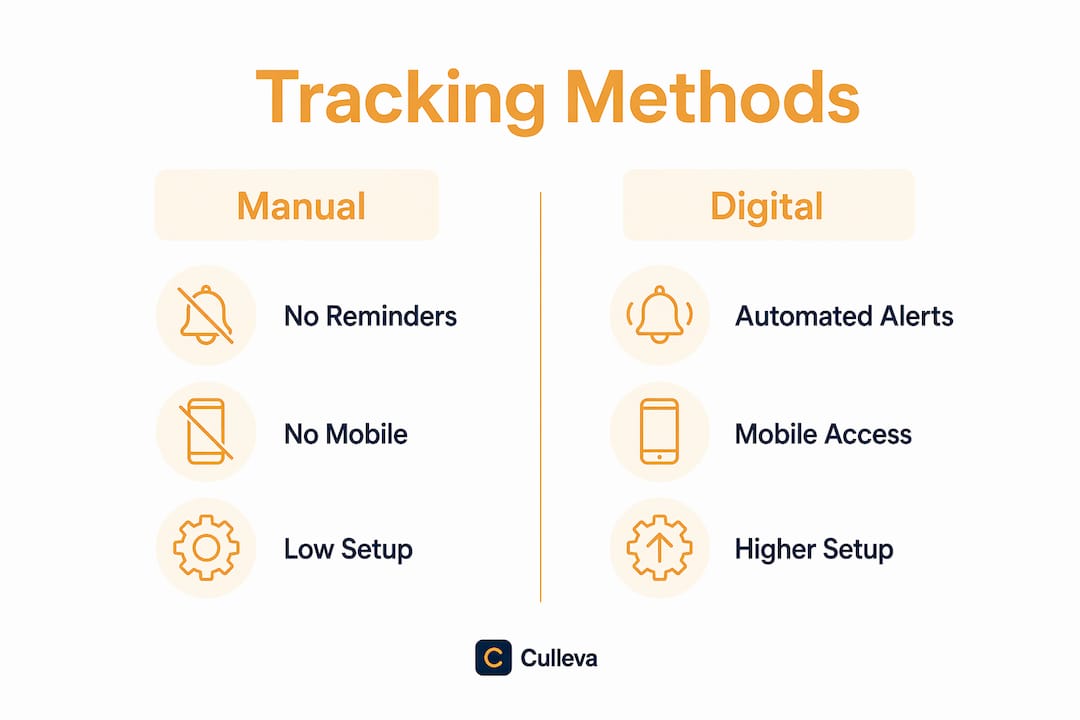
Combining a visual deadline list with proactive SMS or app alerts significantly improves task completion. A tracker that only displays deadlines without pushing reminders is a passive tool. You need it to come to you, not the other way around.
What are the biggest mistakes students make with assignment tracking?
The most common mistake is ignoring the tracker until deadline pressure mounts. You set it up in O-week, feel organised for a day, then forget it exists until Week 9 when everything is due at once. Making your tracker your first tab each day is the single most effective habit to prevent this.
The second mistake is tracking only due dates, not assignment requirements. The best students read the unit outline and note the directive verbs in each brief. “Analyse,” “evaluate,” and “describe” each demand a different approach. Tracking directive verbs from your syllabus guides your work, not just your calendar. You can read more about interpreting assignment briefs to get this right from the start.
- Don’t overcomplicate the system. A tracker with 15 columns you never fill in is worse than a simple one you actually use.
- Don’t skip the weekly review. Fifteen minutes on Sunday to update statuses and check the week ahead keeps everything accurate.
- Don’t set only one reminder. Set one to start, one for a halfway check, and one the day before submission.
- Don’t treat it as a to-do list. A tracker is a planning tool. Use it to decide when to work, not just what to do.
Pro Tip: Read your unit outlines in the first week and note every assessment. Then batch-enter everything into your tracker in one sitting. This “brain dump” session takes 20 minutes and saves hours of stress later.
How to put assignment tracking into practice this semester
Start in Week 1. Pull up every unit outline from Canvas or Moodle and batch input your assignments in one session. Record the name, unit, due date, weighting, and a start reminder for each task. Do not wait until Week 3 when you’ve already forgotten two things.
Once everything is in, set up a “Due this week” view or filter. This becomes your daily focus. You’re not looking at the whole semester every morning. You’re looking at the next seven days and deciding what needs attention today.
Sync your tracker across devices if you can. You should be able to check it from your phone between lectures and update it from your laptop at night. If you’re using a shared unit or group project, link your tracker to your group’s schedule. Culleva’s group-work hub connects assignment-linked file storage with shared scheduling, which keeps everyone on the same page without a separate group chat.
Review and update your tracker every Sunday. Check what’s submitted, what’s in progress, and what’s coming up in the next two weeks. Adjust your start reminders if a task is growing bigger than expected. This weekly habit is what separates students who feel in control from those who don’t. For a full submission checklist approach, that review is also the right time to check formatting, citations, and Turnitin requirements before you’re rushing.
Key takeaways
Effective assignment tracking requires a consistent system with reminders, regular reviews, and clear status fields, not just a list of due dates.
| Point | Details |
|---|---|
| Start in Week 1 | Batch-enter all assignments from your unit outlines in one session to avoid gaps. |
| Use work-start reminders | Set alerts 5–7 days before due dates to begin work before deadline pressure hits. |
| Track more than due dates | Record directive verbs and assignment requirements to guide your approach, not just your calendar. |
| Review weekly | Spend 15 minutes each Sunday updating statuses and checking the next two weeks. |
| Pick one system and use it | A simple tracker you open daily beats a complex one you ignore until Week 9. |
Stay on top of every assignment with Culleva
You’ve got the strategy. Now you need a tool that does the heavy lifting.
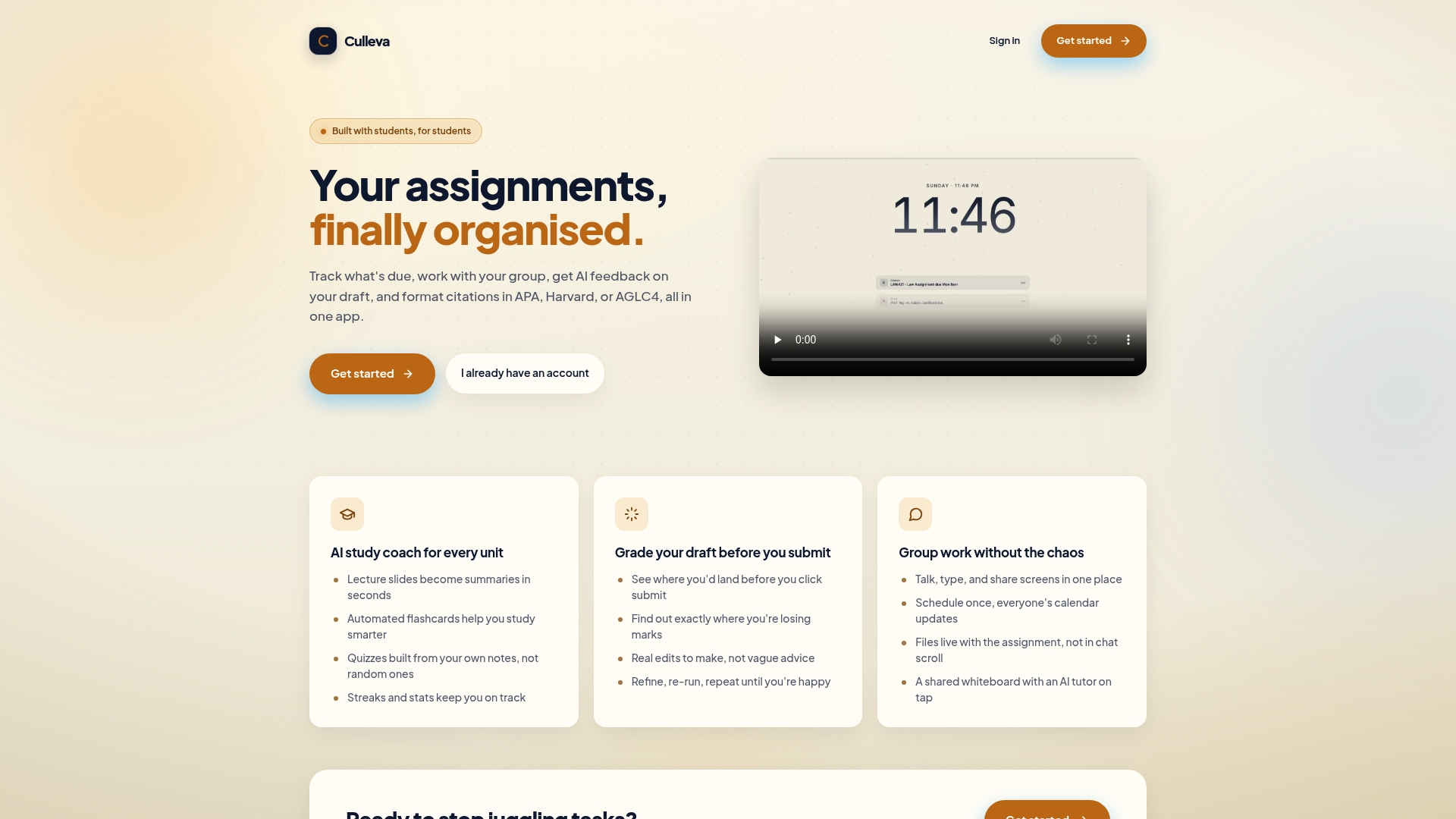
Culleva is built for Australian and New Zealand uni students who want one place for everything. It tracks your assignments and deadlines, sends reminders before you need to panic, and layers in an AI study coach, a draft-grading tool, and a group-work hub. It handles APA, Harvard, and AGLC4 citations too. No more juggling five apps and still missing a due date. Get started with Culleva and see what a semester with zero missed deadlines actually feels like.
FAQ
What is assignment tracking?
Assignment tracking is the practice of recording all your assignments, due dates, unit codes, and statuses into one central system. It replaces scattered notes and memory with a clear, searchable record of your workload.
How do I track assignments effectively at uni?
Start by batch-entering every assessment from your unit outlines in Week 1. Set work-start reminders 5–7 days before each due date and review your tracker every Sunday to keep it accurate.
What are the benefits of assignment tracking?
Students using a tracker reduce late submissions and report lower stress by centralising their workload. Automated alerts improve timely completion to 65.4%, compared to 35.5% without reminders.
What should I include in an assignment tracker?
Record the assignment name, unit code, exact due date and time, current status, and a start reminder. That five-field setup covers everything you need to stay organised across a full semester.
Is Culleva good for ANZ uni students?
Culleva is designed specifically for Australian and New Zealand students, with built-in assignment tracking, deadline reminders, and citation formatting in APA, Harvard, and AGLC4 styles. It also includes tools for group work and draft grading.
Recommended
Stay on top of every assignment
Culleva brings your assignments, group work, calendar, and an AI study coach into one place. Free to start.